Lumen5 Academy
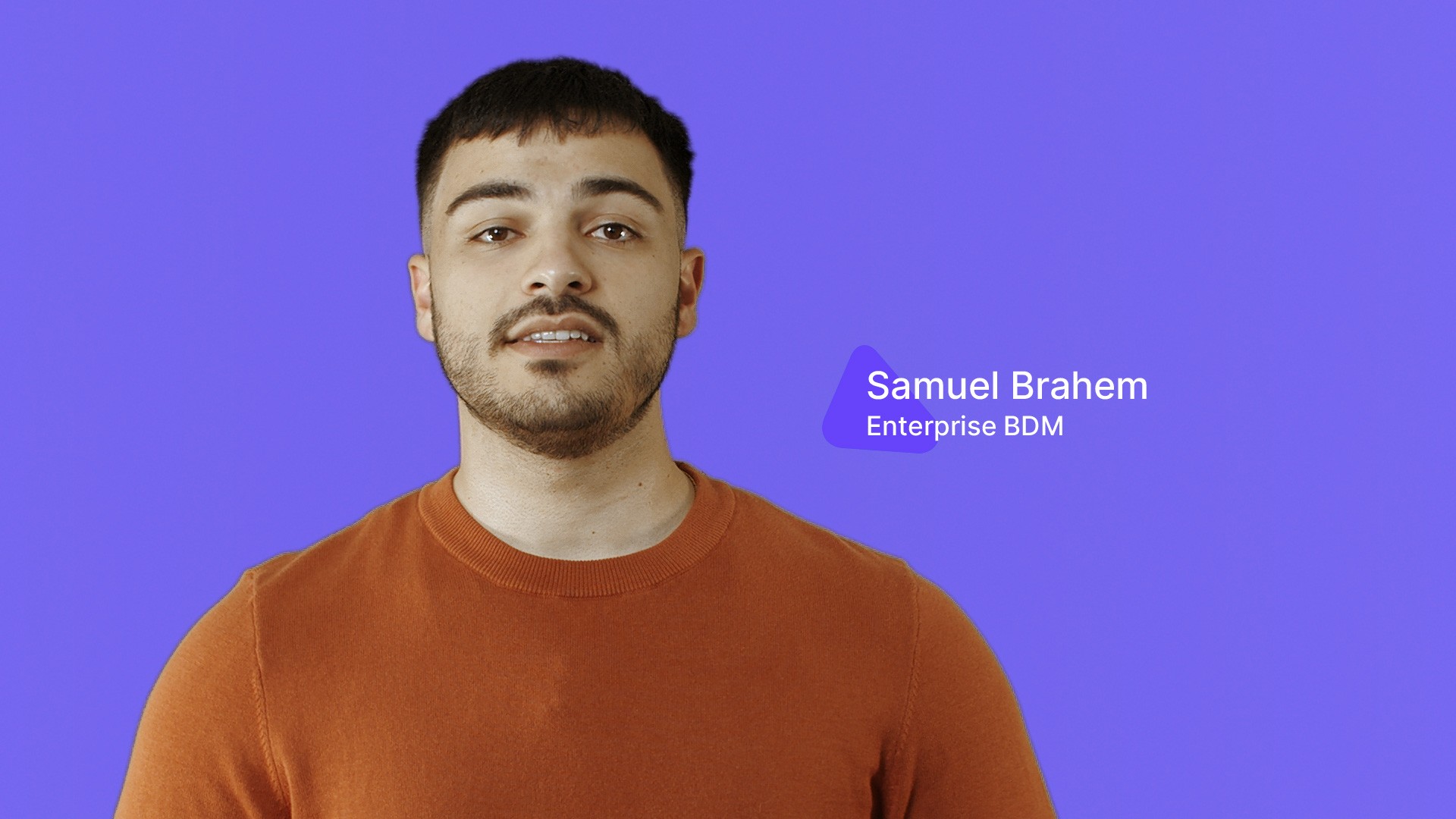
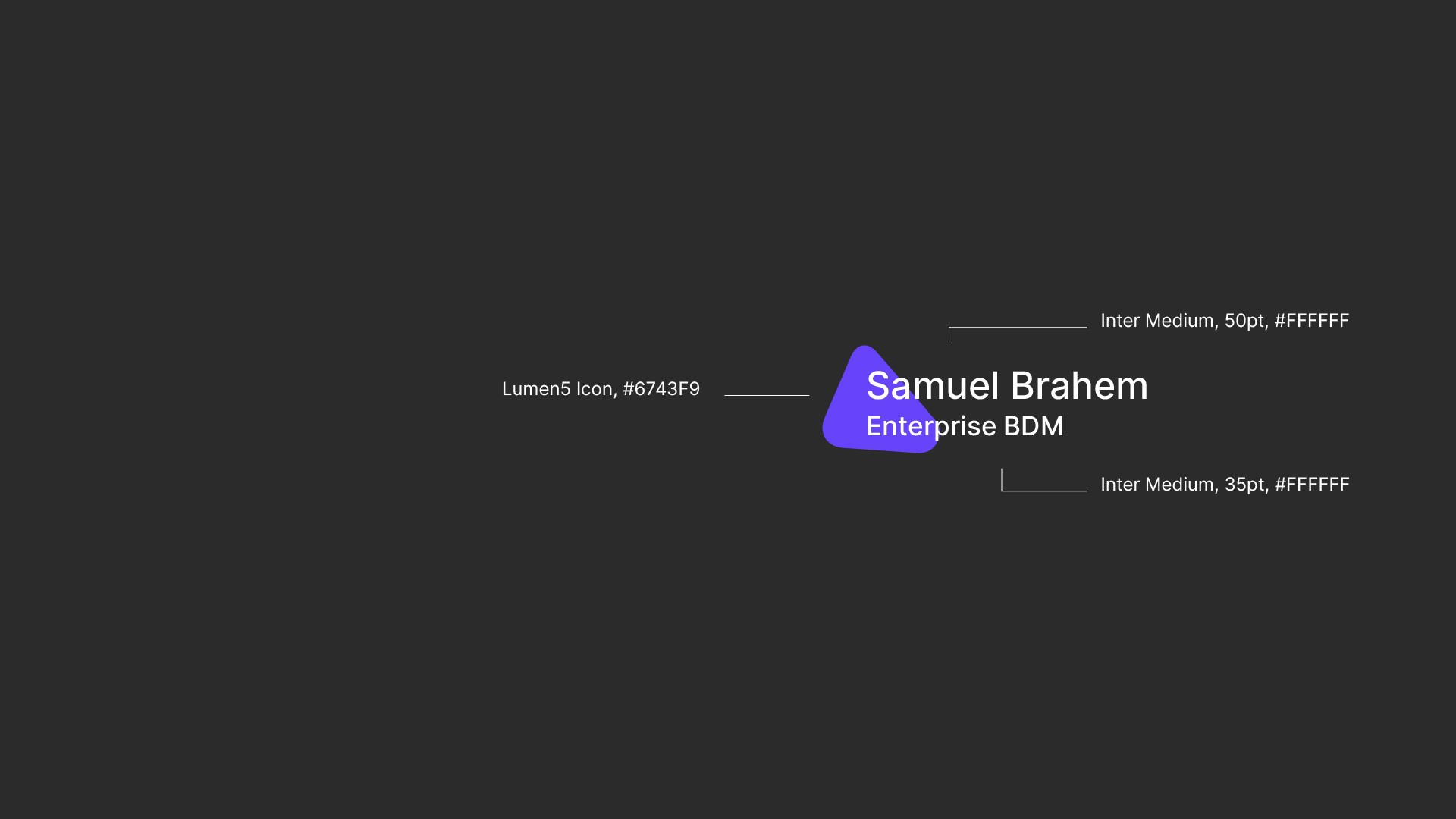
Lowerthird
Title / callout


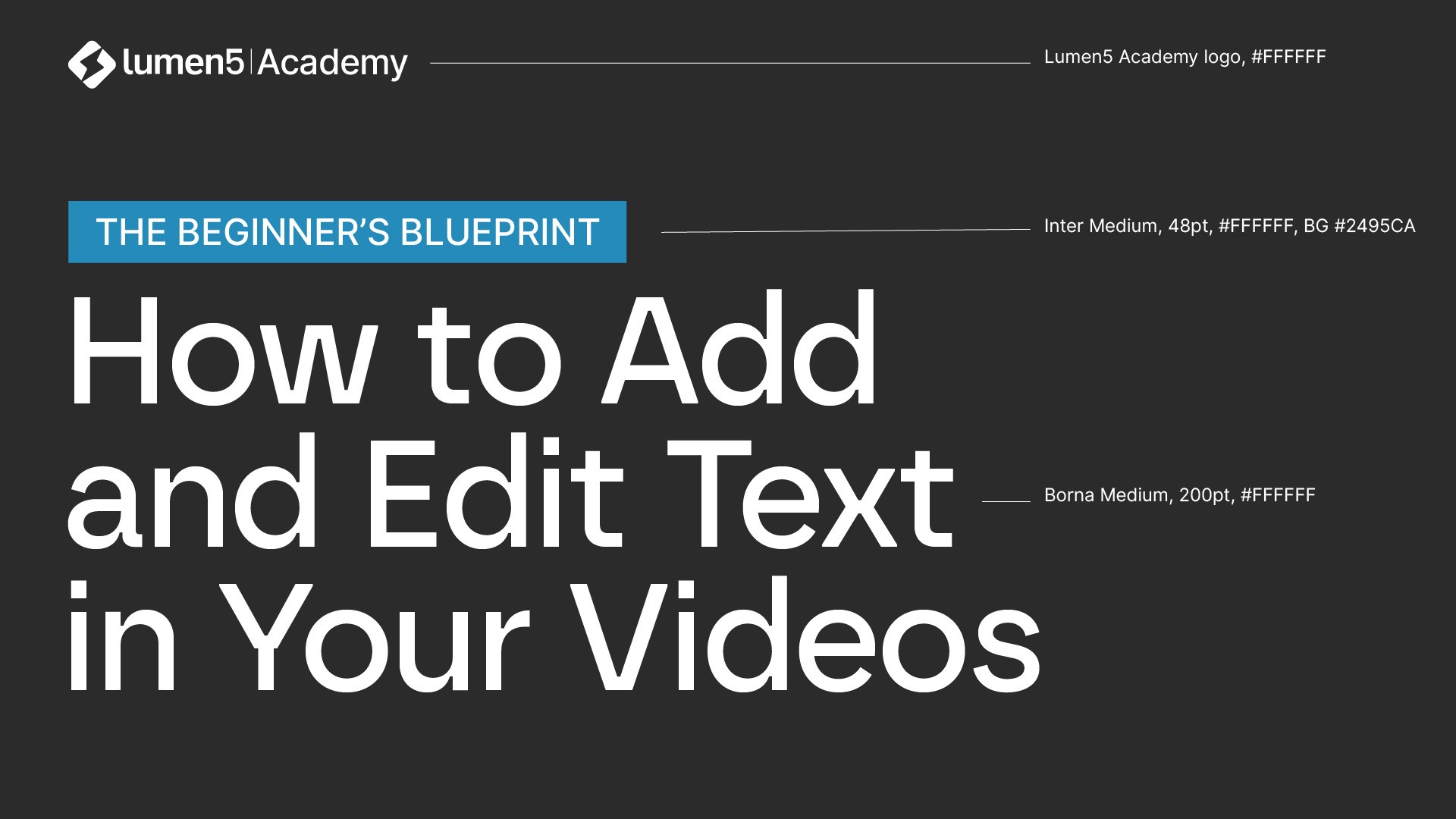
Thumbnail - 2 lines title

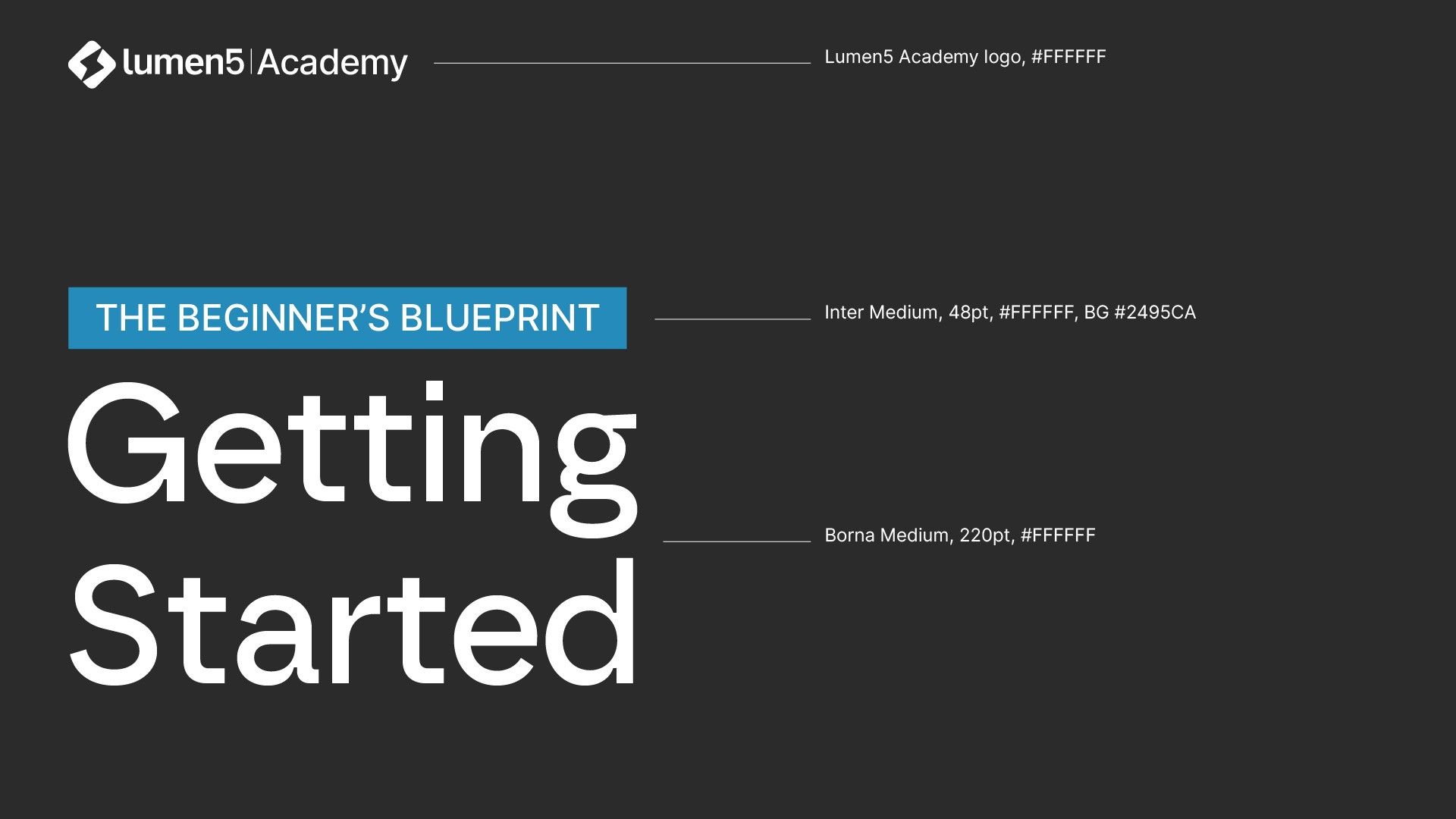
Thumbnail - 3 lines title

Full shot for introduction

Medium shot for lowerthird

Medium shot for title / overlay

Medium shot for thumbnail

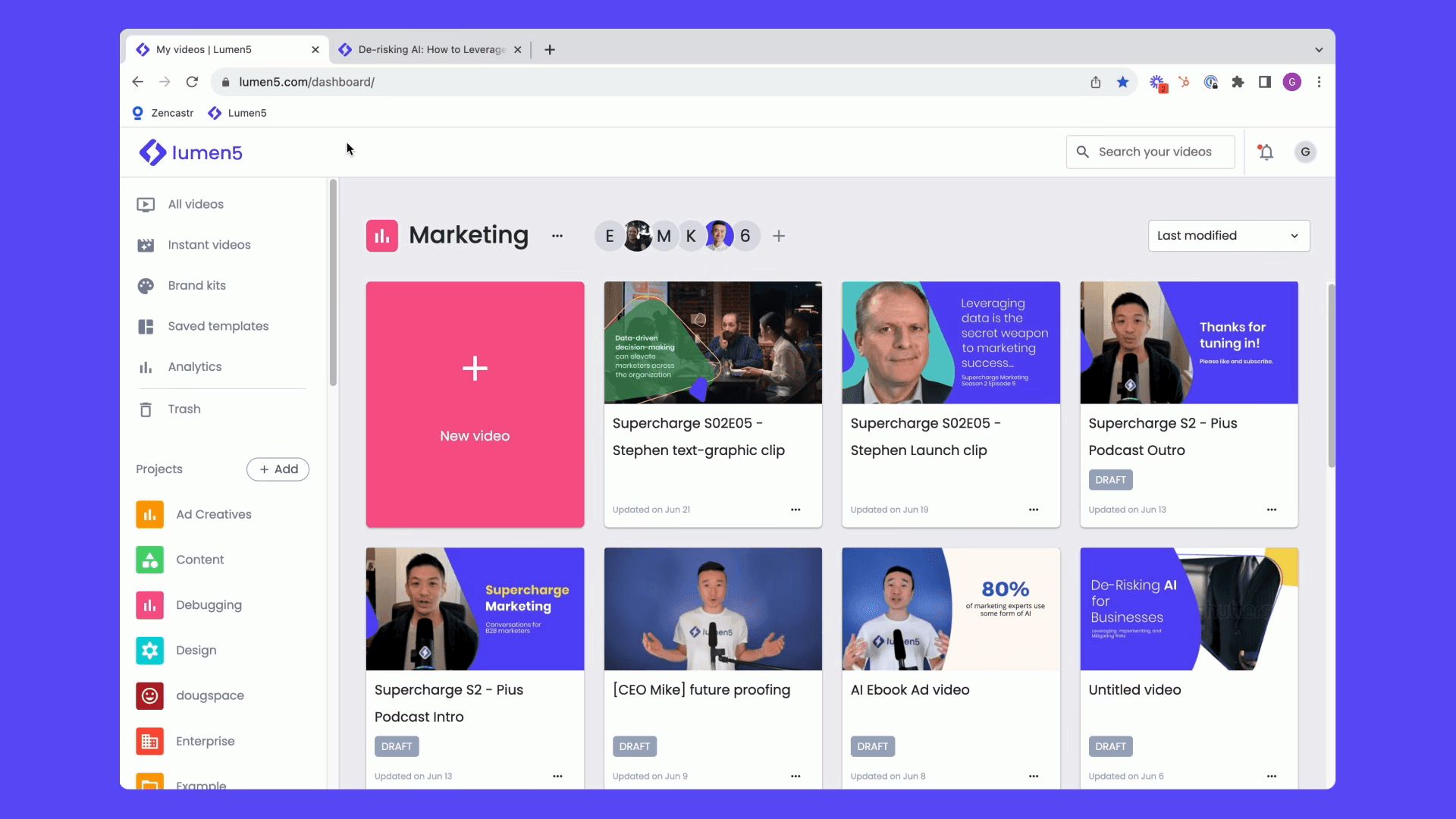
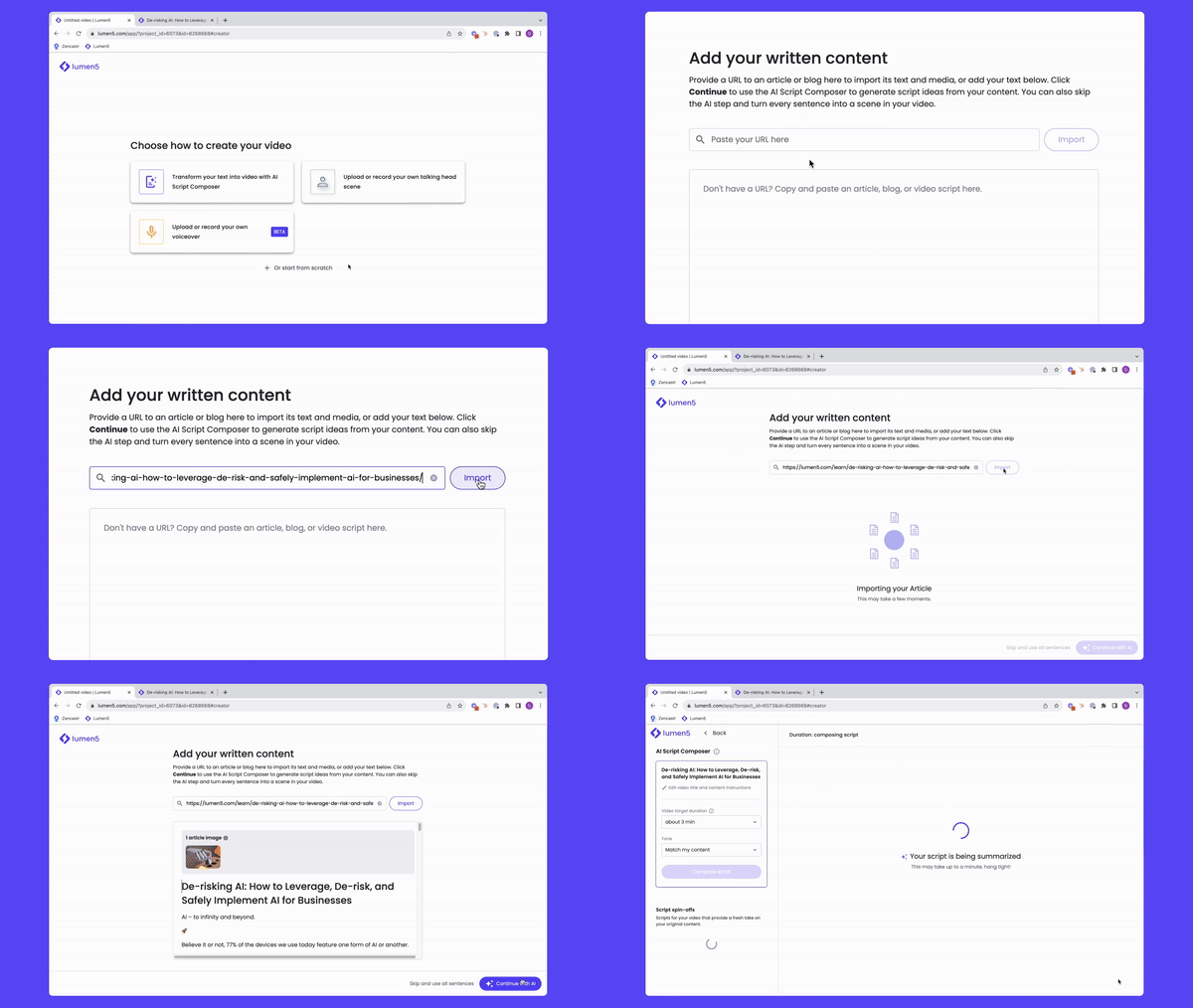
UI screen recording
Aspect ratio: 16x9 The preferred resolution: 3840 x 2160
Minimum resolution: 1920 x 1080
Record browser in Fullscreen
Capturing the walkthrough involves a technical step: initially, we must set (force) the display to a 16:9 aspect ratio (as 16:10 is the default for Macs). Optional, achieving a 16:9 display can be done by downloading a trial application that lasts for 10 days:
https://www.madrau.com/srx_download/download.html
And this is the guide:
https://howtoegghead.com/instructor/style-guide/convert-screen-res-mac-m1/
Download here for the cursor plugin:
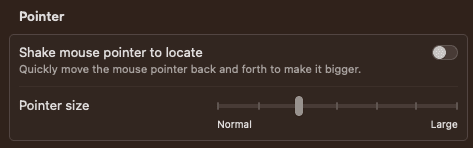
For improved visibility, the size of the mouse pointer should be increased, and here is the guide: https://www.macrumors.com/how-to/make-mac-cursor-mouse-pointer-bigger/ Setting the cursor size (attached screenshot below)
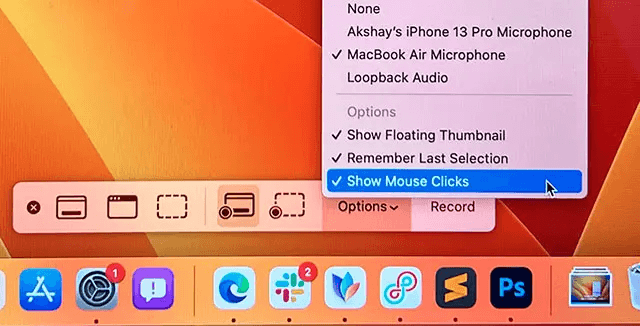
Plus in the screen recording option, the show mouse pointer should be enabled (attached screenshot below)
Windows 11 Screen Recorder Instruction
https://www.youtube.com/watch?v=cgD9w0MWLBY&list=PLlKpQrBME6xJGEX3hk74EJsTHpXH3RiBZ&index=4&t=24s
ClipChamp in the Microsoft Store: https://apps.microsoft.com/store/detail/microsoft-clipchamp/9P1J8S7CCWWT?hl=en-us&gl=us
Use ClipChamp on the web: https://clipchamp.com/
Aspect ratio: 16x9 The preferred resolution: 3840 x 2160 Minimum resolution: 1920 x 1080 Record browser in Fullscreen
Sample framing: Screen recorded in 16:9 - BG color #5846f6
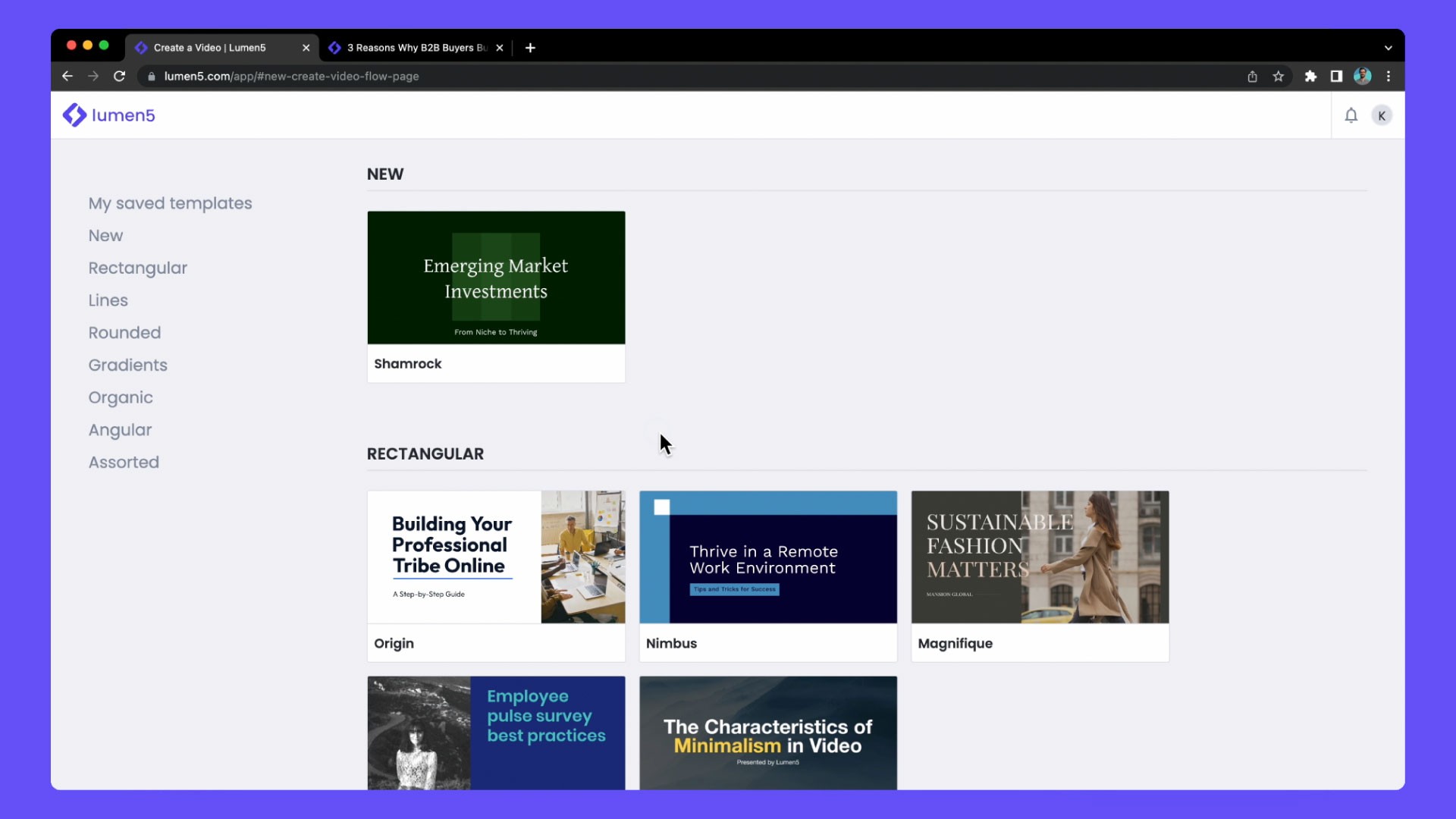
Sample framing: Screen recorded in 16:10 - BG color #5846f6